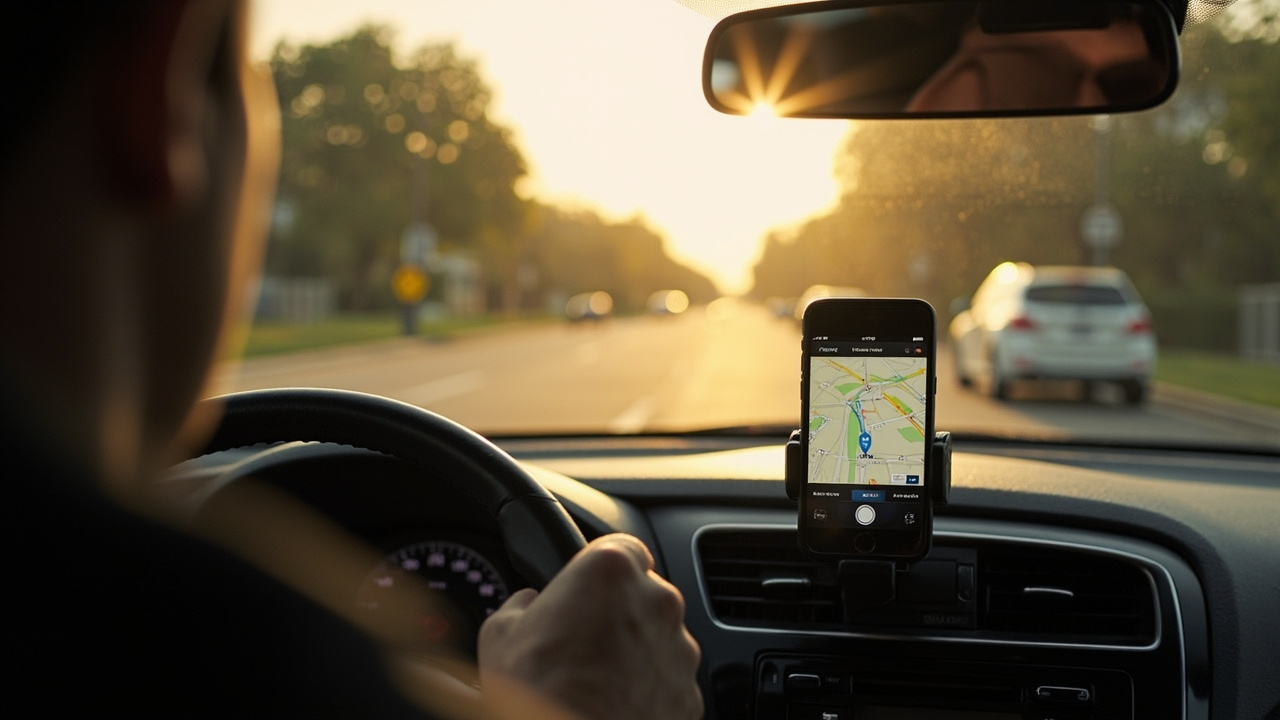
CarPlay dominates the headlines. Every vehicle ad mentions it. But for anyone who spends real time behind the wheel, Android Auto often delivers more. The gap widened further this year with Google's latest AI push, and it's worth knowing where each platform actually stands before you buy your next car or decide which phone to carry.
The mapping gap isn't closing
Google launched its mapping platform in 2005. Apple entered the game seven years later. That head start matters in ways that persist today.
Google Maps pulls data from search queries, business listings, and years of accumulated user movement. It calculates route times with a precision Apple still can't match, especially for real-time traffic. Apple Maps improved significantly since its early stumbles, and some users now prefer it for pure navigation. But Google handles more scenarios, including suggestions for things to do nearby, and it works on CarPlay too — so Apple users aren't locked out.
This is why Android Auto's native mapping integration feels like an advantage. You get Google's data without leaving Google's ecosystem.
Gemini changes the conversation
Siri launched in 2011. Google Assistant arrived five years later. For a long time, Apple's head start in voice assistants seemed to matter. It doesn't anymore.
Gemini, Google's latest AI, runs circles around Siri in accuracy, efficiency, and conversational capability. When it rolls out to Android Auto, drivers get access to summarization of long messages, so you're listening to the gist instead of every word. It handles complex queries without breaking a sweat — asking for a visitor's guide to your destination while merging onto a highway is now realistic.
Apple's digital assistant simply can't keep pace. The third-party app support that comes with Gemini also matters in a vehicle, where most interactions happen through voice.
Notifications: a trade-off worth understanding
Here's where Apple makes a deliberate choice. CarPlay deliberately limits interaction. Everything routes through Siri, including reading and sending messages. You don't get tap-to-respond notifications that could tempt you to look away from the road.
That's a genuine safety consideration. Apple deserves credit for thinking about distracted driving.
But here's the counter-argument: a quick glance at a text message, followed by a single tap to respond, might actually require less attention than fumbling with a voice assistant that mishears you and asks you to repeat yourself. Since Siri isn't winning awards for accuracy, the safety calculus isn't as clear-cut as Apple implies.
Android Auto gives you more options. Whether that's a feature or a distraction depends on your discipline.
What it means for you
If you use Android and spend significant time driving, Android Auto's advantage is real. Better mapping, stronger AI, and broader app support compound into a noticeably smoother experience. CarPlay remains a solid choice for iPhone users, particularly those who prioritize simplicity over capability.
Neither system is bad. But if you're choosing a vehicle and both options are available, Android Auto deserves serious consideration — especially now that Google's Gemini integration is rolling out.
Key takeaways
- Google Maps' decade of head start still translates to better real-time data and routing accuracy
- Gemini makes Android Auto's voice assistant meaningfully more capable than Siri
- CarPlay's stripped-down notification approach has merit, but it comes at the cost of flexibility
- Both platforms work in either car, so your phone ecosystem matters more than your vehicle choice
Frequently asked questions
Does Android Auto work with any car?
Most vehicles manufactured after 2014 support Android Auto, either through a built-in infotainment system or by connecting to a compatible display via USB.
Can I use Google Maps on CarPlay?
Yes, Google Maps is available on CarPlay and functions much like it does on Android Auto, though you lose access to Gemini AI features.
Is Gemini already available in Android Auto?
Google is rolling out Gemini to Android Auto in stages. Some users already have access, with broader availability expected over the coming months.
Which system is safer for driving?
Both platforms aim to reduce phone interaction while driving. CarPlay restricts features more aggressively, while Android Auto offers more flexibility but requires more discipline from the user.
Do I need an Android phone to use Android Auto?
Yes, Android Auto requires an Android phone running Android 11 or later and the Android Auto app.
Inspired by reporting from: androidpolice.com