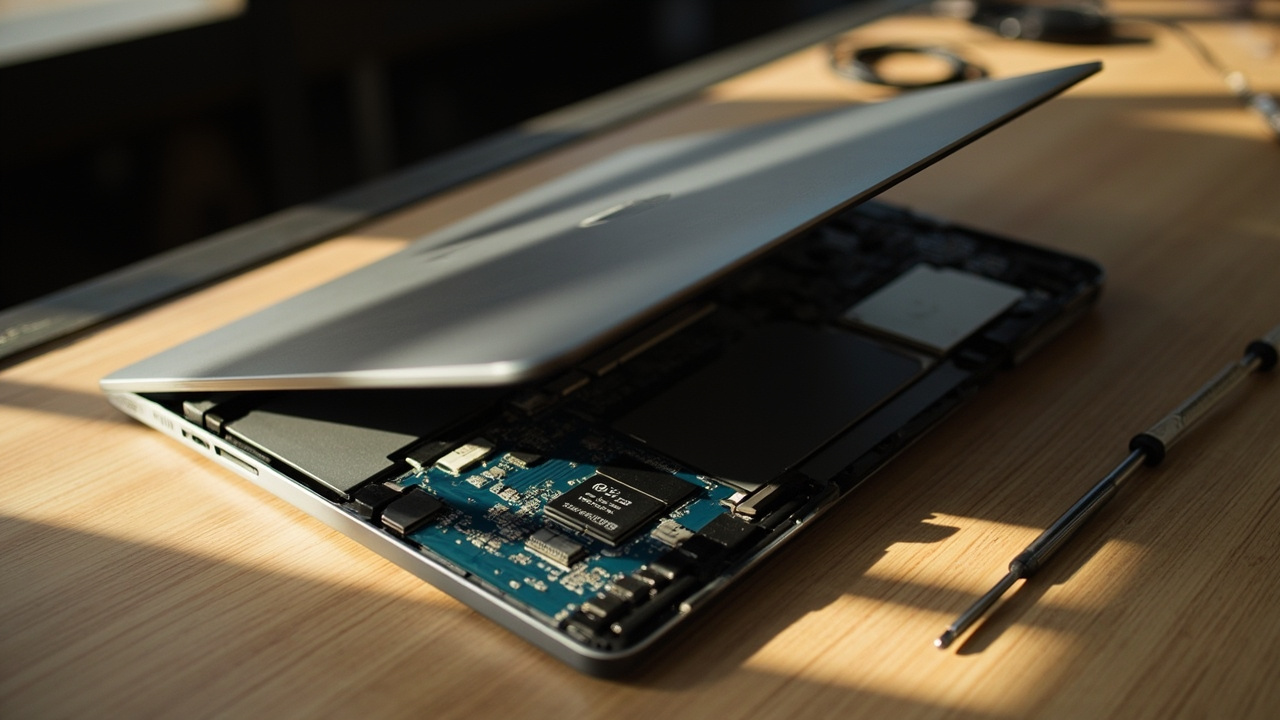
Googlebook supports bootloader unlocking, and Magisk root support is on the way. Hardware from multiple manufacturers—Acer, Asus, Dell, HP, and Lenovo—began arriving in stores starting October 4 in the US, with additional regions getting access the following day. The platform layers desktop functionality from ChromeOS onto an Android foundation.
Google published a support page detailing the unlock procedure. Magisk developer John Wu confirmed on social media that he is adapting his root tool for the platform.
Why this matters
Bootloader unlock is the prerequisite for Android modding. Without it, you cannot flash a custom recovery, install a custom ROM, or run root tools. With it, the device becomes genuinely open to modification.
Googlebook ships with standard Android recovery, fastboot, and fastbootd tools, giving familiar pathways for installing and modifying system software. However, flashing over USB currently requires specialized cables. Wu says he has found an alternative method that eliminates this requirement, though he has not released details yet.
The unlock process follows standard Android procedures: enable OEM unlocking in Settings > Developer options, then access recovery to select "Unlock bootloader." One critical caveat: unlocking erases all device data and disables security protections.
Magisk and HSUM
Wu called Googlebook "the ideal platform for Android modding" because its architecture may solve a persistent problem: rooted Android phones typically break banking and DRM apps.
Googlebook employs a system architecture that divides the background system processes from the accounts running user applications. This separation may allow root access without triggering the app-detection systems that cause banking apps to refuse operation on rooted devices.
The complication is that Magisk's existing approach to root access conflicts with this architecture. Wu says changes to Magisk's user handling are already in development to resolve this. If successful, this would be the first modern Android-derived platform where root works without breaking everyday apps.
Who should care
| User type | Relevance |
|---|---|
| Android developers | High. Bootloader unlock enables system-level debugging, adb shell access, and kernel work. Standard fastboot/recovery tooling is present. |
| Power users who left modding | Moderate. The architecture may address the banking-app breakage that drove many away from rooted phones. Outcome depends on whether Magisk's adaptation succeeds. |
| Regular consumers | Low. Unlocking erases data, voids support, and introduces security risks. Not worth the trade-off for casual use. |
What to watch
Wu promised new code and installation instructions for Magisk on Googlebook in the coming days. The key question is whether his adaptation actually delivers clean root without app breakage. A secondary question is whether custom ROM development follows—historically, modding communities form around devices with unlocked bootloaders, but no commitments exist yet.
Bottom line
Googlebook ships with bootloader unlock and standard Android tooling. Magisk support is actively being developed with a specific advantage in mind: the platform's architecture may allow root access without the app-breaking side effects that plague modern Android phones. Whether it delivers on that promise is the question to track.
Key takeaways
- Googlebook officially supports bootloader unlocking at launch
- Unlock process follows standard Android steps and erases all device data
- Magisk developer John Wu is adapting the root experience to work with the platform's architecture
- Wu says the platform's design may solve the banking-app breakage that affects rooted Android phones
- New Magisk code and instructions are expected soon
Frequently asked questions
How do I unlock the Googlebook bootloader?
Enable OEM unlocking in Settings > Developer options, then access the recovery menu to select "Unlock bootloader." Note that unlocking erases all device data.
Does unlocking the bootloader void the warranty?
Google warns that modifications made after unlocking are unsupported and may void the warranty or cause hardware, software, or security problems.
Will Magisk work on Googlebook?
Wu confirmed that Magisk support is in development. He says changes to handle the platform's architecture are being prepared and code will follow.
Why does the platform's architecture matter for root users?
Wu has argued this design prevents apps from directly detecting root access, which could allow rooted functionality without the banking-app breakage seen on Android phones.
Can I flash custom software without specialized cables?
Currently, USB flashing requires specialized cables. Wu says he has found an alternative method to modify and flash the device without that USB connection, though details have not been released yet.