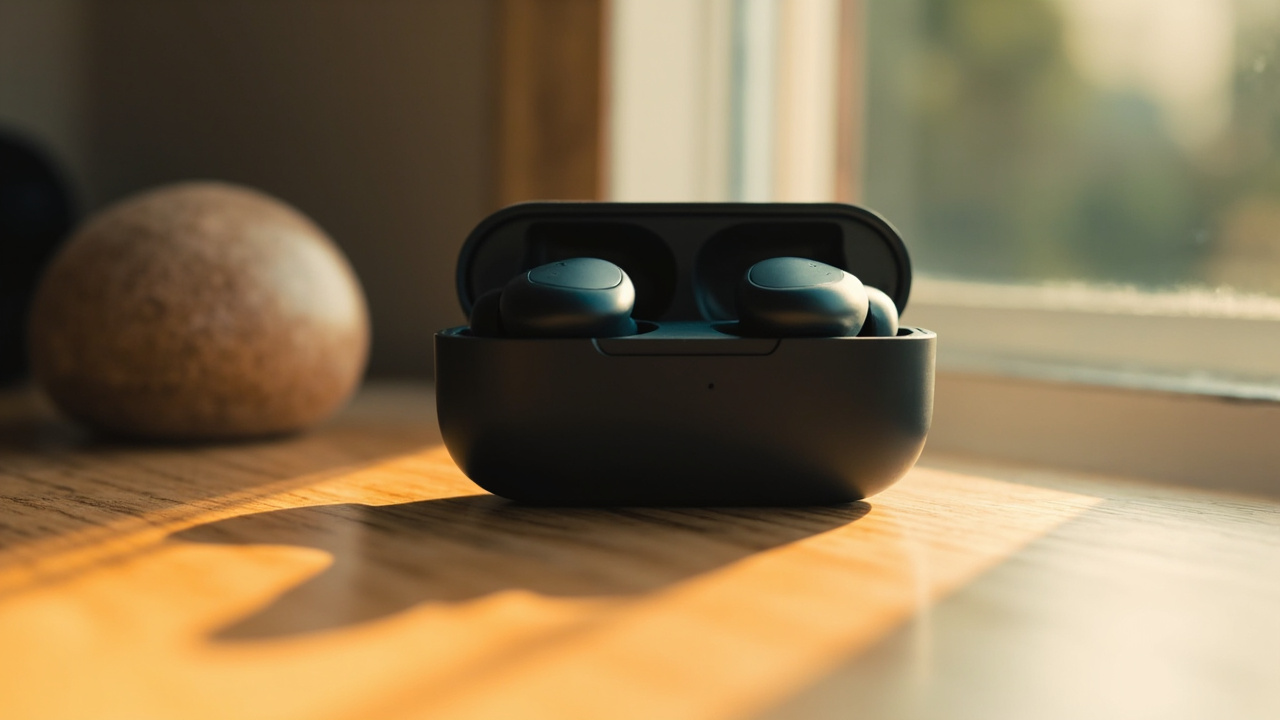
Google just dropped a sizeable software update for its Pixel Buds lineup, and you do not need new hardware to enjoy it. The release targets the original Pixel Buds Pro, the Pro 2 and the more affordable Buds 2a with a stack of new features and refinements.
The standout is reserved for the Pro 2. A Dynamic Active Noise Cancellation mode, first teased at the Pixel 11 launch, finally lands on those earbuds. The other changes are shared across all three models, which is good news for anyone still rocking an older pair.
Pixel Buds 6.144 feature comparison
| Feature | Buds Pro | Buds 2a | Buds Pro 2 |
|---|---|---|---|
| Dynamic ANC | — | — | ✓ |
| Live Translate upgrades | ✓ | ✓ | ✓ |
| Hands-free Gemini voice control | ✓ | ✓ | ✓ |
| Tap-to-mute mic | ✓ | ✓ | ✓ |
| Sleep detection mode | ✓ | ✓ | ✓ |
What's actually new
Dynamic ANC on the Pro 2 is the headline. Instead of treating noise cancellation as a fixed level, the buds now monitor the seal in your ear canal and tune the audio profile in real time. Walk, chew, or shove a hat over your ears and the system should compensate.
Live Translate is getting useful for travellers. You can now start a translated conversation without pulling your phone out, which matters when you are juggling luggage or a coffee. Gemini voice control on the buds is also being widened so you can talk to the assistant hands-free, plus a tap-to-mute mic for those moments when you need to cough mid-call. The catch: that tap gesture only works when paired with a Pixel phone.
Then there is the sleep detection mode, pitched squarely at people who fall asleep with earbuds in. The buds will recognise the situation and adjust behaviour, so you do not wake up with dead buds and a full playback queue still running.
Why this matters
Most earbud updates are noise. This one is not. Dynamic ANC is the kind of feature you usually only see on flagship buds from Sony or Bose, so Google putting it on existing hardware through software is a quiet flex. It also resets the value question for anyone sitting on first-gen Buds Pro: the gap between the Pro and Pro 2 just shrank on paper.
The Pixel-only tap-to-mute is the sore point. If you pair the buds to an iPhone or laptop, you lose that shortcut. Google has been steadily pulling features behind Pixel-only walls, and this is another brick in that wall. Worth knowing before you recommend these to a friend on a different phone.
Who should care
- Buds Pro 2 owners:** Install immediately. You are getting the most significant upgrade.
- Original Buds Pro or Buds 2a owners:** The shared features make your existing buds more capable. No rush to upgrade.
- Non-Pixel users:** Tap-to-mute will not work for you. Factor that into your decision if you are cross-shopping with alternatives.
What to watch next
Keep an eye on whether Google ever opens tap-to-mute to non-Pixel hosts. Also watch for battery life reports once Dynamic ANC rolls out broadly, since real-time seal sensing is not free.
Bottom line: if you already own any of these three models, install the update. If you have been eyeing a switch, the Pro 2 just got more interesting.
Key takeaways
- Pixel Buds Pro 2 owners get Dynamic ANC that adapts to ear seal in real time.
- All three supported models gain Live Translate, Gemini voice control, tap-to-mute and sleep detection.
- Tap-to-mute is a Pixel phone exclusive for now.
- Existing Buds Pro and Buds 2a users get a meaningful upgrade without buying new hardware.
Frequently asked questions
Do I need to buy new Pixel Buds to get these features?
No. The update targets existing Pixel Buds Pro, Pro 2 and Buds 2a models, though the Dynamic ANC is limited to the Pro 2.
Will tap-to-mute work with a non-Pixel phone?
The tap-to-mute mic feature only works when the buds are paired with a Pixel phone.
What is Dynamic ANC on the Pro 2?
It adjusts noise cancellation and audio settings on the fly based on how well the earbuds are seated in your ear canal.
Is the sleep detection mode automatic?
The reference describes it as a new mode for users who fall asleep with the buds in, letting the device adjust its behaviour accordingly.